A while back I was on a call with a large enterprise customer about putting analytics into my SaaS. I'd sent the invite myself. We said hello in Google Meet, and a few seconds later a notification came up: my cloud note taker was knocking to be let in.
The man on the other side stopped smiling. "Sorry, we can't continue in this format. Guest apps and recording bots are prohibited by our security policy."
So I spent the first five minutes of a call I'd been chasing since spring hunting for the button that evicts my own bot from my own meeting, apologising, and trying to get the temperature back. To them I was the guy who had quietly brought a stranger into a confidential conversation.
That afternoon I went looking for a setting. A quiet mode, some way to let the thing take notes without sitting in the room like a chaperone. There isn't one, and after you understand why, you stop looking.
This piece is about that "why", about the other way to build a note taker, and about what it costs. The short version of the cost, so you can decide now whether to keep reading: roughly fifteen minutes of setup, somewhere between fifty cents and two dollars per call paid to your own providers, and one sentence you have to say out loud at the start of every meeting. The app itself is free and stays free.
Why does the note taker have to join the meeting at all?
It looks like a product decision. Somebody at a startup chose to have their bot appear in the participant list, and somebody else could choose differently.
That isn't what's happening.
Zoom, Google Meet and Microsoft Teams don't hand your audio to companies. They hand it to participants. If a service wants the stream, it has to be in the room, sitting in a seat, with a name. Not because a product manager picked that route, but because there is no other door.
The guest seat isn't a feature of a cloud note taker. The guest seat is the cloud note taker. Which is why there's no setting for it, and why there won't be one.
That single fact explains everything else you've run into: why your bot lands in the waiting room and you have to break off mid-sentence to ask someone to please admit your robot, why enterprise tenants block it outright, and why you can't use one on a call you didn't organise.
The part nobody counts: visible is not the same as consented
The usual defence of the bot is that at least it's honest. It announces itself. Better than recording in secret, surely.
It is better than recording in secret. It's also doing two jobs at once and getting the order wrong. It notifies people, and it changes how they speak, and it never once asks.
Watch what happens to numbers. Someone who told you eleven-two on the phone last week will say "low teens" once a line appears in the participant list. Nobody objects, because objecting means stopping the meeting to have a conversation about your software. So the room does the only other thing available: it gets careful.
What you get afterwards is a flawless transcript, with speaker labels and timestamps and three tidy action items, of a conversation that stopped being true.
What the old way had right
Before any of this, there was a recorder on the table.
A notary, a journalist, a doctor taking a history: the machine sits square to the edge of the desk, and then the person looks up and asks. "I record these. Is that all right with you?" Sometimes the answer is no and it goes back in the drawer. Usually the answer is yes, and here's the part that matters: after that, nobody looks at the machine again. It sits there for forty minutes being as interesting as an ashtray.
It's tempting to read that as "the recorder was visible, so it was fine".
It's the wrong lesson. The machine on the table wasn't what made it all right. The question made it all right. The machine was furniture that happened to be listening.
Which means consent and recording are two separate things that cloud note takers have welded together. Pull them apart and you can have both: people who actually agreed, and a conversation that stayed honest.
The other design: capture on the machine that's already in the call
You don't need a seat at the table if you're already at the table.
A local note taker takes two audio streams straight off your own hardware: the sound coming out of your headphones, and the sound going into your microphone. Each line in the transcript is labelled by where it came from, so you can tell your own words from everyone else's. Nothing joins the meeting, because there's nothing to join. The meeting contains the people who were invited to it.
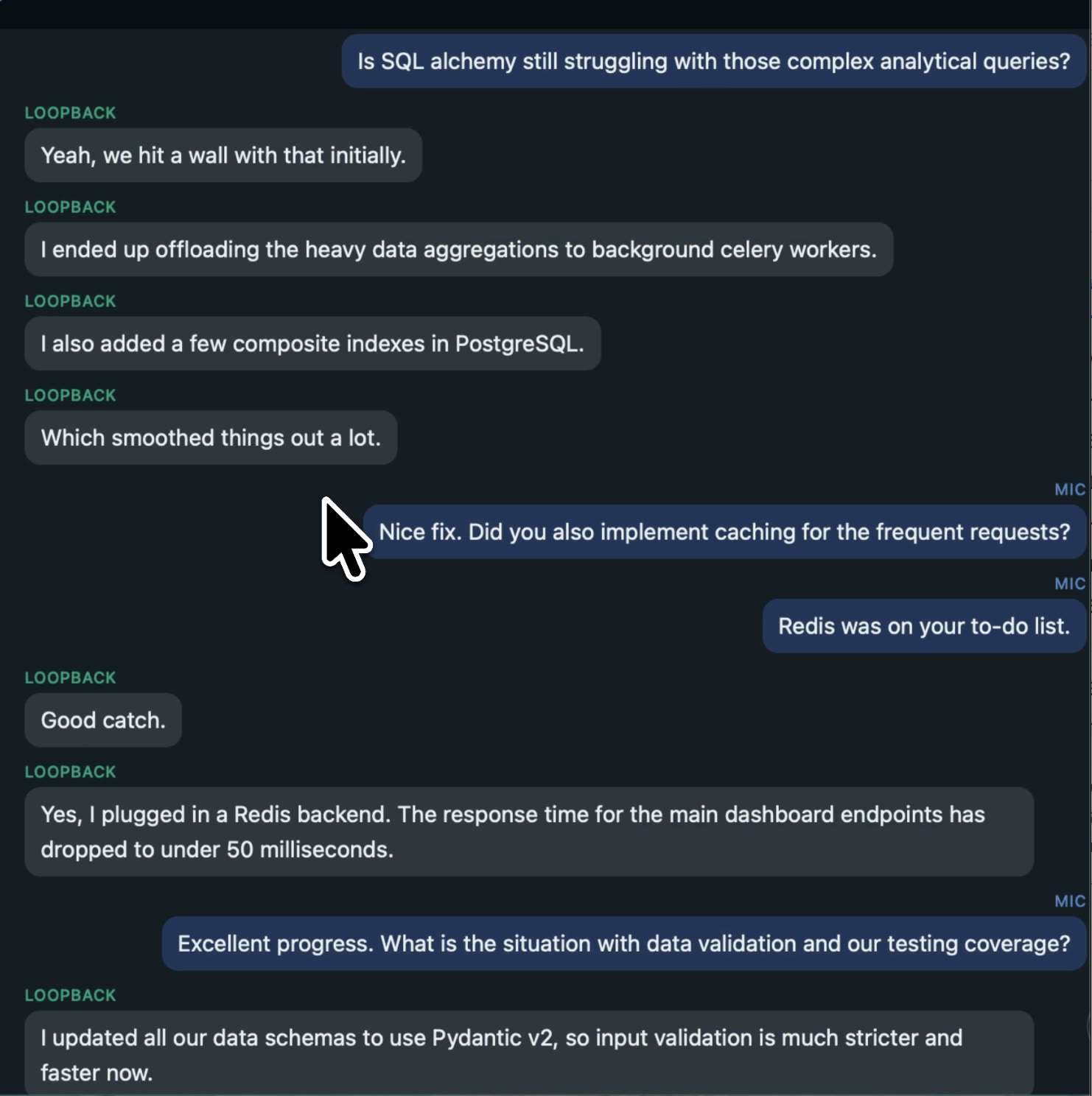
Because it never touches the meeting platform, the platform is irrelevant. Zoom, Google Meet, Microsoft Teams, Webex, a phone call on speaker, a browser tab with a webinar in it. If it makes sound on your machine, it gets transcribed. Calls where guest apps are blocked at the tenant level work exactly like any other, which is the entire reason I moved.
But invisible isn't automatically better
Here's the thing I had to be honest with myself about, and it's the strongest argument against everything above.
The recorder on the notary's desk was visible. A local note taker isn't. That's a real difference and it doesn't disappear because the architecture is cleaner. Removing the bot removes the notification, and the notification, for all its faults, was doing something.
So the disclosure stops being a courtesy and becomes the whole mechanism. It's four seconds at the top of the call, in your own voice:
"Before we start, I take notes with an AI assistant. Nothing joins the call, it runs on my machine. Is that all right with everyone?"
In two-party consent jurisdictions that isn't etiquette, it's the law, and it's on you rather than on your software. No tool will ever say it for you.
What I didn't expect is how the meetings changed afterwards. Somebody says an actual number. Somebody says "honestly, I don't know". Somebody walks a position back thirty seconds after taking it, which is the most useful thing that happens in any negotiation and the first thing to vanish when a room goes careful.
I'd spent a year treating this as a recording problem. It was a consent problem the whole time.
Is it actually free?
The app is free and stays free: realtime transcript on any call, a summary once the call ends, and exports you can take anywhere.
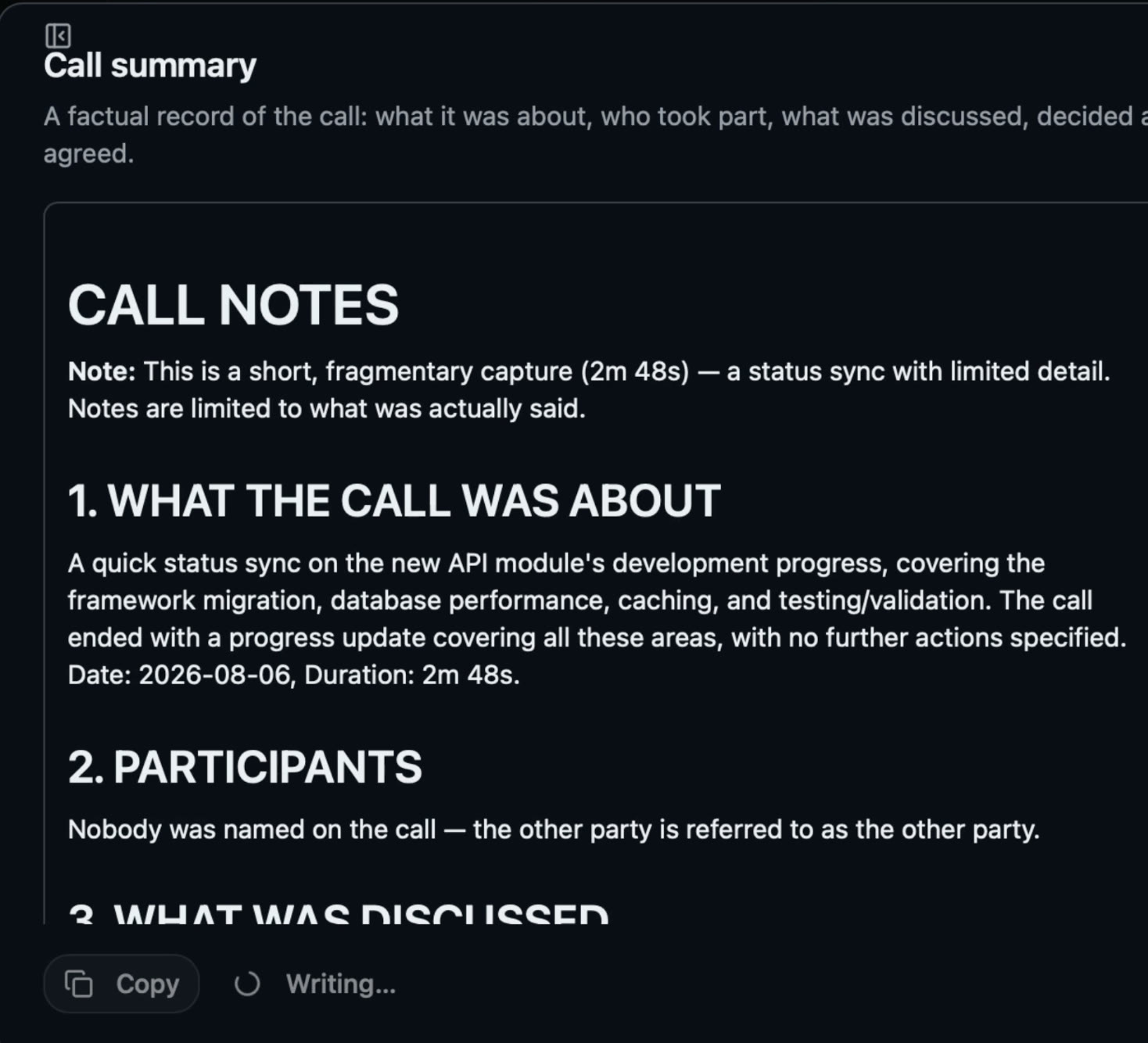
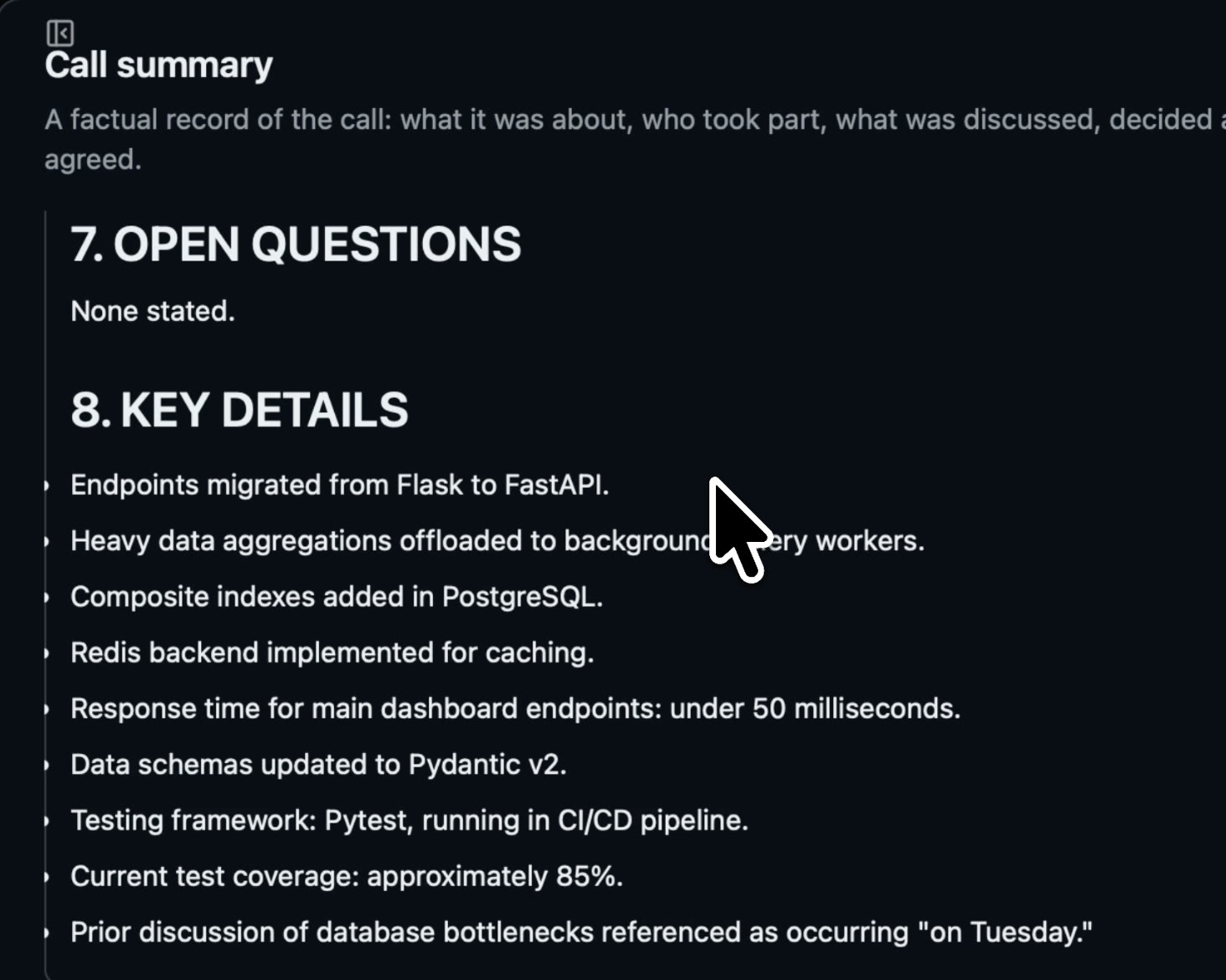
What you supply is your own API keys, one for transcription and one for the AI that writes the summary. That takes about fifteen minutes once, and it's the only setup there is. After that you're billed directly by those providers, somewhere around fifty cents to two dollars for a full call depending on which model you choose.
I assumed at first this was friction somebody had offloaded onto me. Then I thought about where my audio actually goes.
"Runs locally" and "your data stays local" are two different promises, and plenty of software makes the first while quietly breaking the second. Your own key is what makes the second one true. The audio goes straight from your machine to the provider you picked, on your account, under your billing, with retention settings you control. There's no company in the middle holding a copy, not because anyone promised not to look, but because there is no middle.
It has a side effect worth knowing. Because the key is yours, so is the model choice. Services that proxy your audio have a margin to protect, which pushes them toward cheaper models. On your own key you can point the app at a flagship model and pay its actual price.
Where the cloud design is the right answer
This is not a story about bad software. If your calls are internal, your IT department already administers the vendor, and convenience is what you're optimising for, use the bot and don't think about it again. Being recorded by a tool your own company approved is a completely different situation from routing your conversations through a service you signed up for personally.
Three things the local design genuinely can't do:
- No absentee capture. If you're not on the call, nothing is recorded. A calendar bot will happily attend a meeting you skipped.
- One machine. Local means local. No cross-device sync and no shared team workspace unless you export and send it yourself.
- No zero-setup start. Two clicks versus fifteen minutes is a real difference on day one.
The local design earns its friction when you're the outside party: interviewing, pitching, consulting, selling into companies whose security policy you don't control. If that's most of your week, the seat is what's costing you, and it's the one part you can't configure away.
Try it on your next call
Start with the API keys guide. About fifteen minutes, with screenshots, and by the end the app is running and your next meeting gets transcribed on your own machine. Then download it and record one call.
Then say the four seconds. That part's on you.
Vit Catman is a developer at Outrun Labs, which makes the app described here.